Network
Create advanced Network diagrams in two simple steps
Trusted by 1000+ teams, including Tableau themselves.






About Network
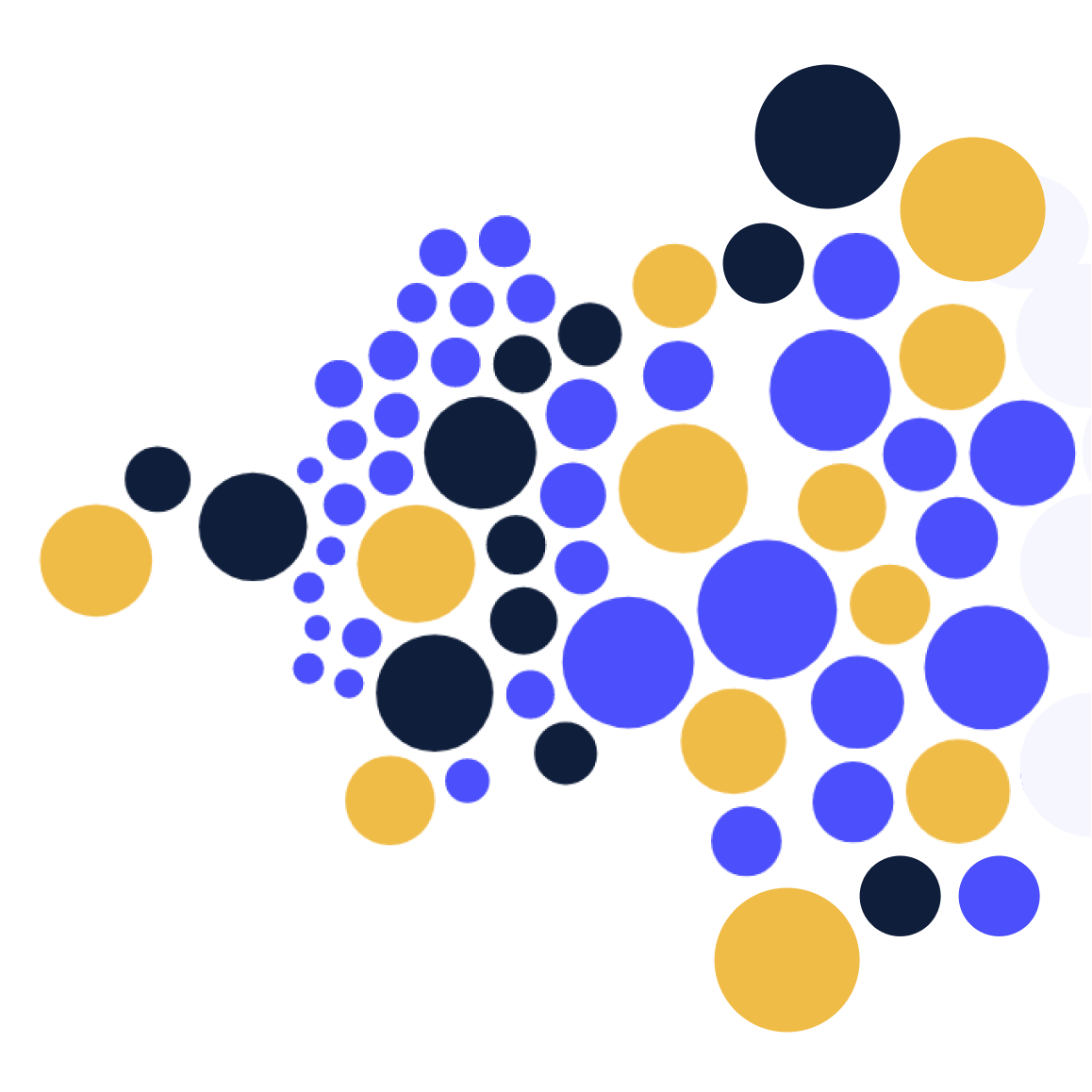
Enhance your analytics with the Network Chart Extension for Tableau, a robust visualization tool that emphasizes connections and relationships within your data. It integrates smoothly into Tableau, enabling users to generate detailed, interactive network diagrams that illustrate the structure of complex systems.
Network charts are essential for examining and presenting relationships between entities, whether they are people in social networks, infrastructure components, or data elements. They provide a visual map of interconnections, helping users understand how data points interact and influence one another.
See Network in action


Everything you need
- Configurable X, Y, or radial forces to adjust node positioning
- Customizable node size and color for visual distinction
- Dynamic label display based on node size configuration
- High customizability and seamless Tableau integration
When Network shines
- Exploring complex relationships and connections within datasets
- Highlighting clusters, communities, or patterns in networks
- Visualizing interactions between entities, such as social networks or organizational structures
Setup in Tableau
Two short phases: add the Viz Extension to your workbook once, then drop the relevant fields on the new Marks Card.
Add the extension to Tableau
- Open the Marks card and choose Add Extension On any Tableau worksheet (Desktop, Cloud or Server), open the Marks card dropdown and select "Add Extension". A new dialog will list available Viz Extensions.
- Pick the Exchange listing or upload the .trex file Either choose "Access Extensions on the Exchange" for the free hosted build, or click "Access local extensions" and upload the .trex file you received with your LaDataViz license.
- Review and accept the data-access prompt Tableau will ask you to allow the extension to read the worksheet's aggregated data. Accept it — a new Viz Extension Marks Card will appear next to Color, Size, Tooltip, etc.
Configure Network
- Drag a Dimension on Source and Target.
- Click Format Extension to configure node size, colors, and forces.
Enterprise-grade by design
Every LaDataViz Viz Extension is built so your data never leaves Tableau. Here's exactly how we keep it that way.
Ready to add Network to your dashboard?
Related viz extensions
Other extensions in the flow family.

Questions about Network?
Thanks for reaching out! You'll hear back from me soon.
Oops! Something went wrong while submitting the form.
We use cookies to measure site usage with Google Analytics. No data is collected until you accept.